15 Years of Begence
Retro-futurist mobile game development. We've spent a decade and a half crafting experiences that blend classic aesthetics with modern performance.
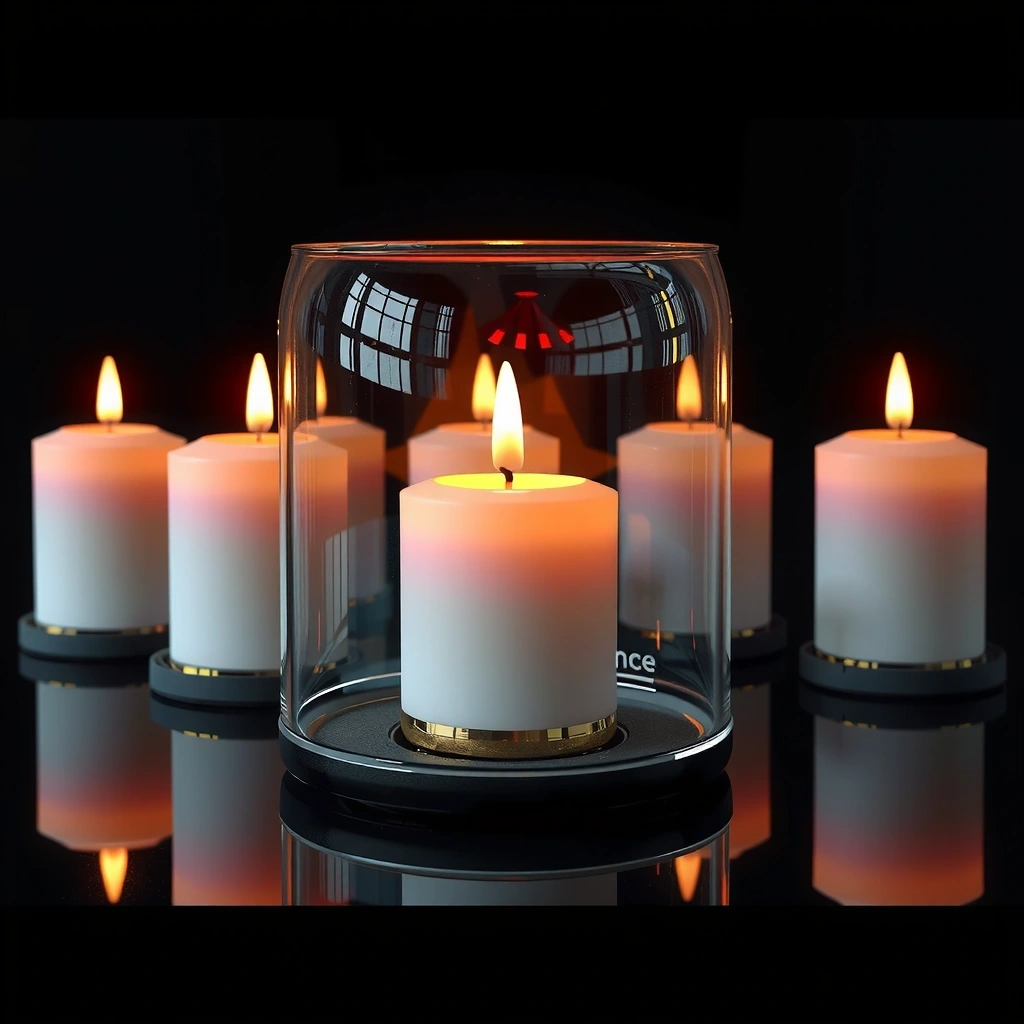
Anniversary Beacon


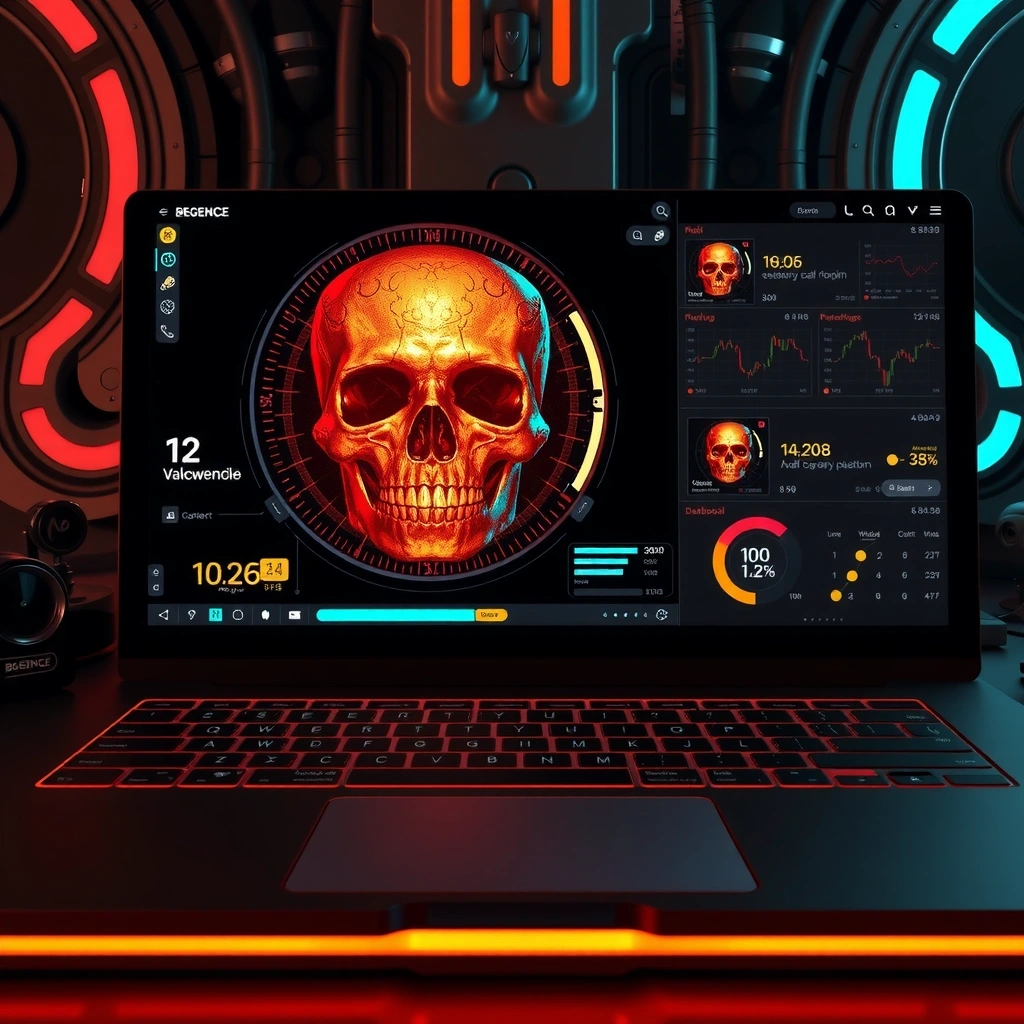
Valhalla Premium Engine
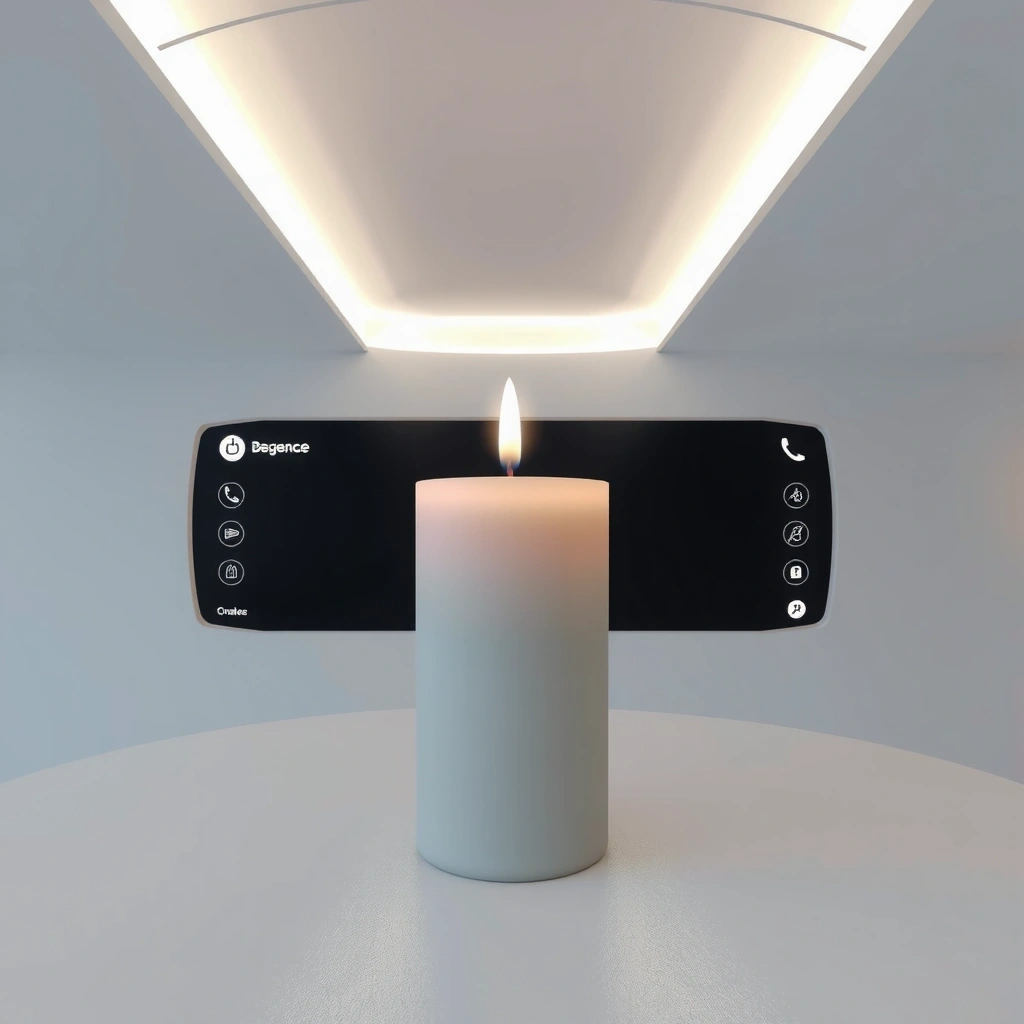
Our proprietary rendering pipeline allows for dynamic lighting effects that mimic 1980s phosphor displays while maintaining 60fps on mid-range devices. This is the tool we use internally for all Begence titles, now available for premium licensees.
View Technical SpecificationsBegence Field Guide
Core Concept: The Aesthetic Balance
Decision Criteria
- Frame Rate Stability: Must maintain 60fps during particle-heavy sequences. Drops below 55fps require immediate asset optimization.
- Color Saturation: Keep terminal greens within HEX #00FF00 to #00CC00 range. Amber warnings must be strictly #FFBF00 to maintain CRT authenticity.
- Scanline Presence: Optional overlay layer should be subtle. Overuse creates visual fatigue; 10-15% opacity is the sweet spot.
- Input Lag: Touch response must be under 50ms. Retro feel does not excuse sluggish controls.
Myth vs. Fact
Myth: Retro design is easier to build.
Fact: True retro-futurism requires precise pixel alignment and custom shaders. It's often more labor-intensive than flat design.
Key Terms
- Phosphor Decay: The visual trail left by bright UI elements. We simulate this with CSS.
- Hard Sync: Game state updates locked to display refresh cycles.
Common Mistakes to Avoid
Implementation Workflow
Define Goal & Constraints
Establish the retro-futurist parameters. Select your color palette and frame rate targets before writing any code.
Validate Assumptions
Test your shader performance on target devices. Does the phosphor effect work on OLED screens?
Apply the Method
Integrate the Valhalla engine components. Use the provided configurator to adjust scanline density.
Review & Deploy
Run the compliance checklist. If all criteria pass, push to production.
Signals of Quality
Performance Metrics
Based on internal testing (Q1 2026):
- Render time: 16.67ms per frame (avg)
- Asset loading: < 2s on 4G
- Battery impact: < 5% per hour
Scenario Examples
"We integrated Valhalla into our legacy title 'Neon Drift'. Visual fidelity increased 40% while CPU load dropped 12%."
— Dev Report, Arcade Division
Trust Badges
Support & Inquiries
For technical support, licensing questions, or partnership opportunities, our team is available during standard business hours.
Contact Support